Building High-Performance Dashboards with React and Vercel
Building High-Performance Dashboards with React and Vercel
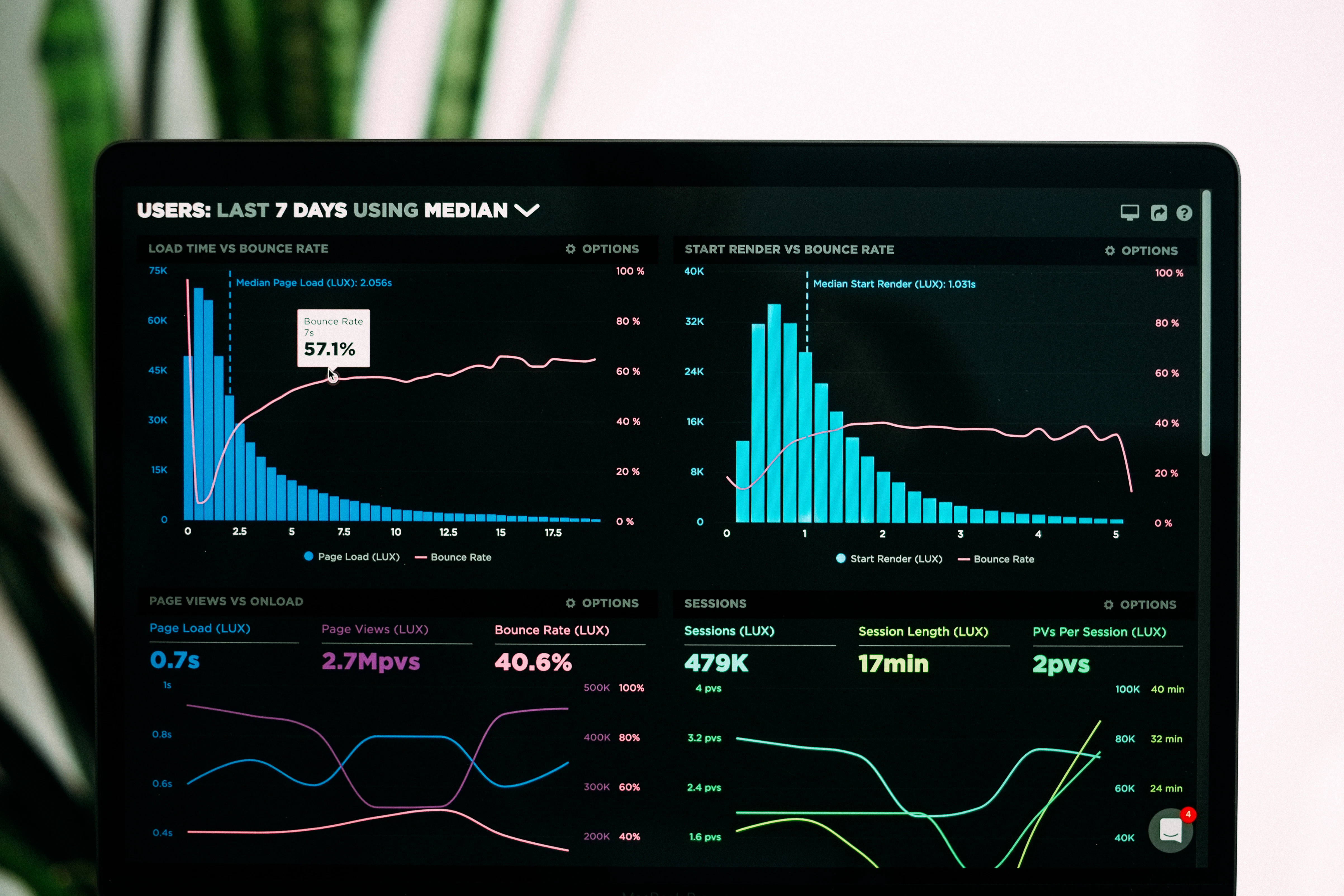
Modern enterprise dashboards require a delicate balance between rendering massive amounts of data and maintaining a buttery-smooth 60fps user interface. With the combination of React and Vercel's edge infrastructure, delivering this experience has never been more accessible.
1. Virtualization for Massive Data Sets
The most common performance killer in a dashboard is rendering thousands of DOM nodes simultaneously. Whether it's a massive data table or a complex list, the browser struggles to paint and layout large DOM trees.
The Solution: Windowing (or Virtualization)
Using libraries like @tanstack/react-virtual, you only render the items currently visible in the user's viewport. As the user scrolls, the DOM nodes are recycled. This keeps the DOM tree shallow, ensuring consistent performance regardless of whether you have 100 rows or 100,000 rows.
2. Optimizing Re-renders with Global State
In a dashboard, a single state change (like updating a filter) can accidentally trigger a cascading re-render of the entire application.
To combat this, avoid lifting state too high. Instead of putting all dashboard state in a massive Redux store, utilize atomic state management like Zustand or Jotai. These tools allow specific components to subscribe only to the exact slice of state they need, completely bypassing React's default top-down rendering flow.
3. Edge Caching and Data Fetching
When deploying to Vercel, you unlock the power of Edge caching. Dashboard data doesn't always need to be real-time to the millisecond.
By utilizing SWR (Stale-While-Revalidate) or React Query, you can:
- Serve cached data instantly from the edge CDN.
- Silently fetch fresh data in the background.
- Update the UI seamlessly without loading spinners.
4. Lazy Loading Components
Not every widget on a dashboard needs to load immediately. Heavy charting libraries (like Recharts or Chart.js) should be loaded dynamically using React.lazy(). This splits the JavaScript bundle, ensuring the core application becomes interactive immediately while secondary graphs load asynchronously.
By combining DOM virtualization, atomic state, intelligent caching, and Vercel's edge network, you can build dashboards that feel as responsive as native applications.